FSD 14.3.12
No community videos for this version yet. Be the first to share yours!
- Full Self-Driving (Supervised) v14.3.12 includes:
- Upgraded the Reinforcement Learning (RL) stage of training the FSD neural network, resulting in improvements in a wide variety of driving scenarios.
- Upgraded the neural network vision encoder, improving understanding in rare and low-visibility scenarios, strengthening 3D geometry understanding, and expanding traffic sign understanding.
- Rewrote the AI compiler and runtime from the ground up with MLIR, resulting in 20% faster reaction time and improving model iteration speed.
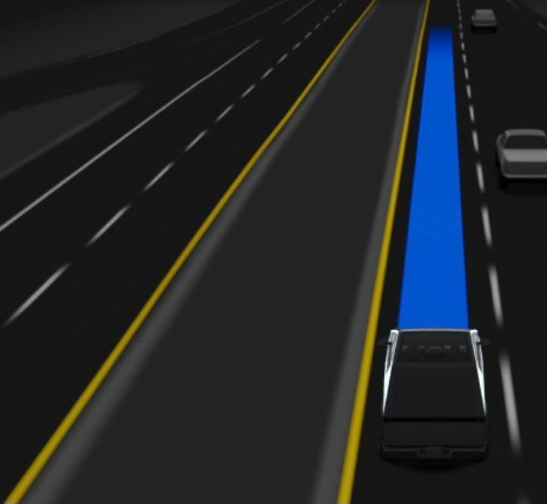
- Mitigated unnecessary lane biasing and minor tailgating behaviors.
- Increased decisiveness of parking spot selection and maneuvering.
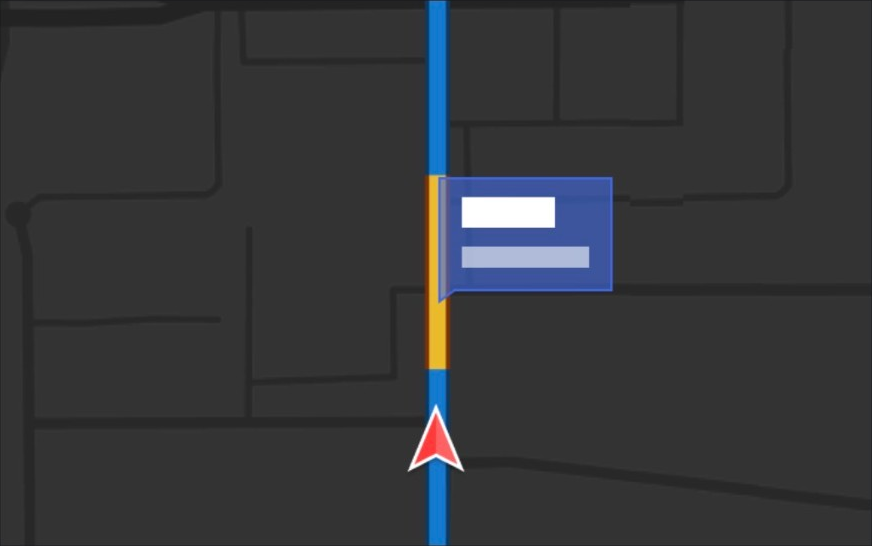
- Improved parking location pin prediction, now shown on a map with a P icon.
- Enhanced response to emergency vehicles, school buses, right-of-way violators, and other rare vehicles.
- Improved handling of small animals by focusing RL training on harder examples and adding rewards for better proactive safety.
- Improved traffic light handling at complex intersections with compound lights, curved roads, and yellow light stopping — driven by training on hard RL examples sourced from the Tesla fleet.
- Improved handling for rare and unusual objects extending, hanging, or leaning into the vehicle path by sourcing infrequent events from the fleet.
- Improved handling of temporary system degradations by maintaining control and automatically recovering without driver intervention, reducing unnecessary disengagements.
- Improved driver monitoring system sensitivity with better eye gaze tracking, eye wear handling, and higher accuracy in variable lighting conditions.
- Unified the model between Actually Smart Summon, FSD, and Robotaxi for more capable and reliable behavior.
- Help Tesla improve Self-Driving by selecting an intervention reason on the main screen after taking over.
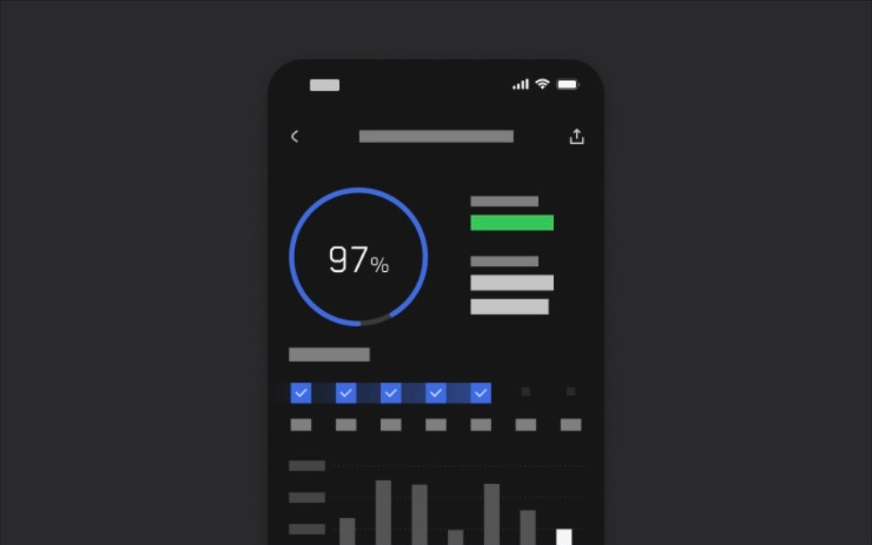
- You can now see distance traveled in FSD (Supervised) without an intervention. The Self-Driving App will also show your longest intervention-free streak.
- Parking options now display on the map when arriving at your destination.
- Expand reasoning to all behaviors beyond destination handling.
- Add pothole avoidance.
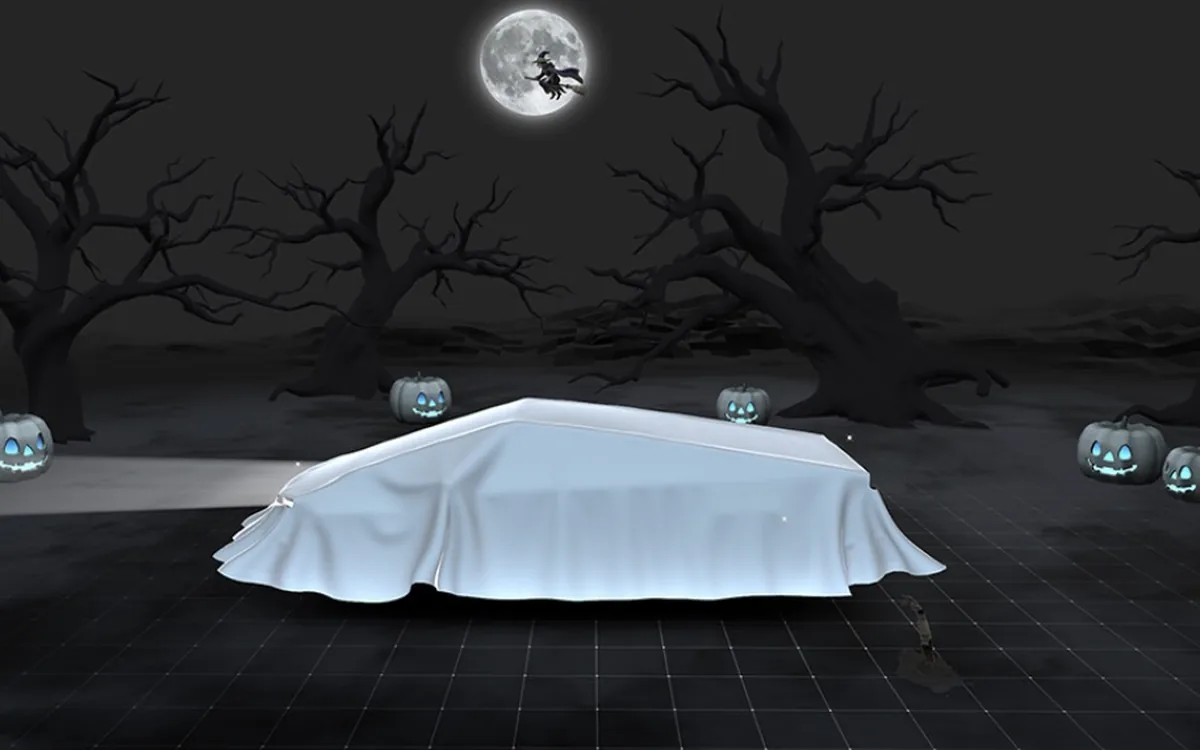
Halloween Mode
Spread holiday fear year round with Halloween Mode. Put a Ghost Costume on your car visualization. Turn on Trick or Treat Mode to play spooky sounds and flicker the lights when visitors approach. Schedule a haunting light show, and turn your car into a chilling Photobooth!
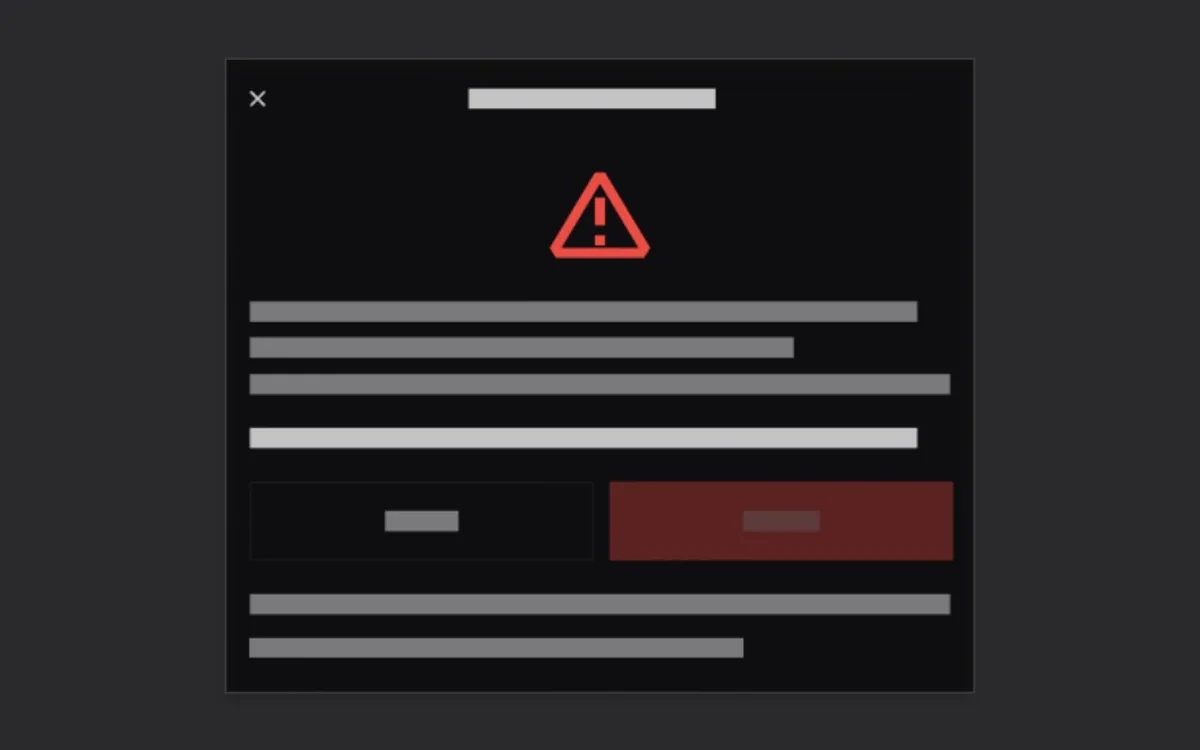
Emergency Drive Away
Emergency Drive Away lets you shift into Drive while a Supercharger cable is still connected. Use it only in an emergency: driving away with the cable attached will damage your vehicle and the Supercharger, and you may be responsible for repair costs. When you activate this feature, short recordings from your vehicle's cameras are shared with Tesla.
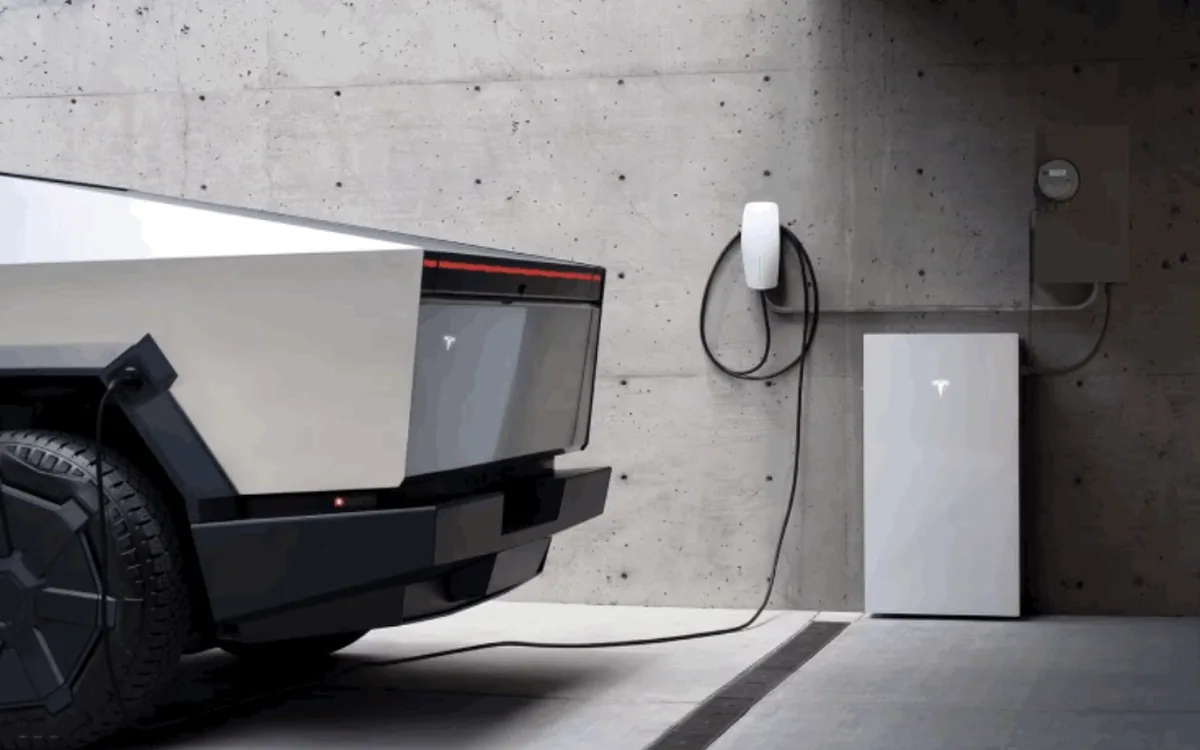
Powershare with Powerwall
Powershare Home Backup with Powerwall keeps your home powered longer during an outage. When parked and plugged in, your vehicle now backs up your home alongside your Powerwall, down to the discharge limit you set. Requires a compatible Powerwall and a compatible Wall Connector. Enable in Charging > Powershare.
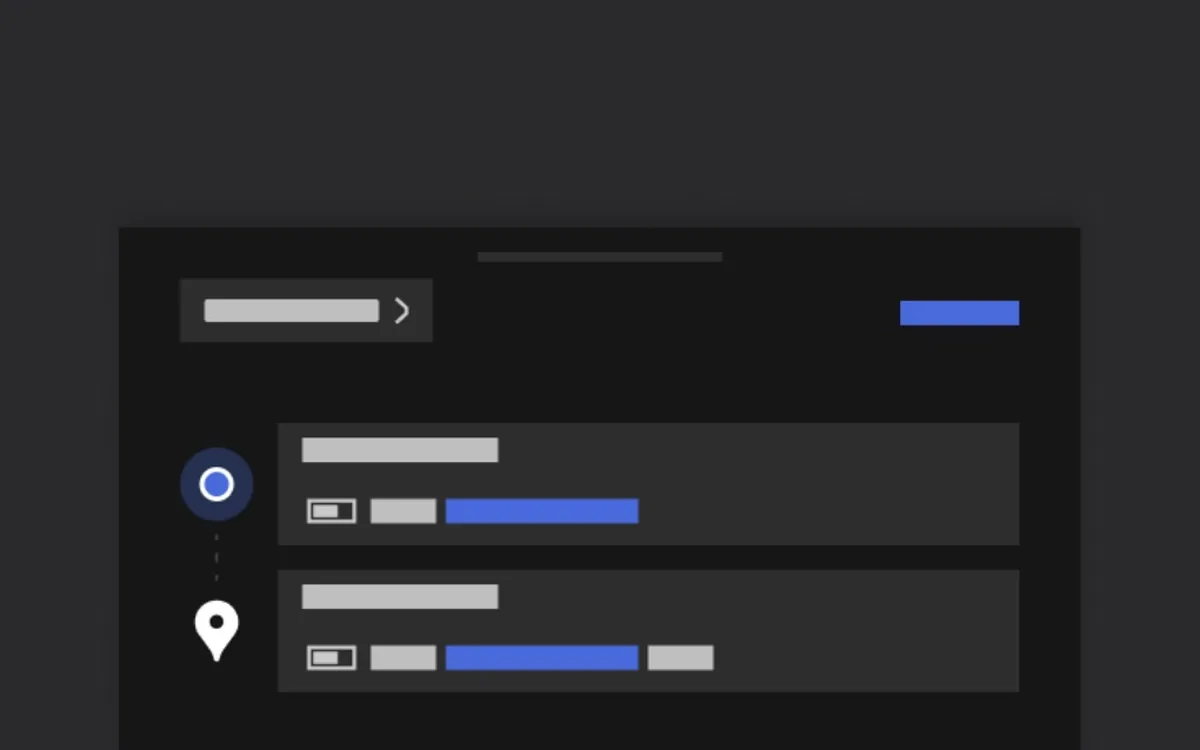
Set Arrival Energy
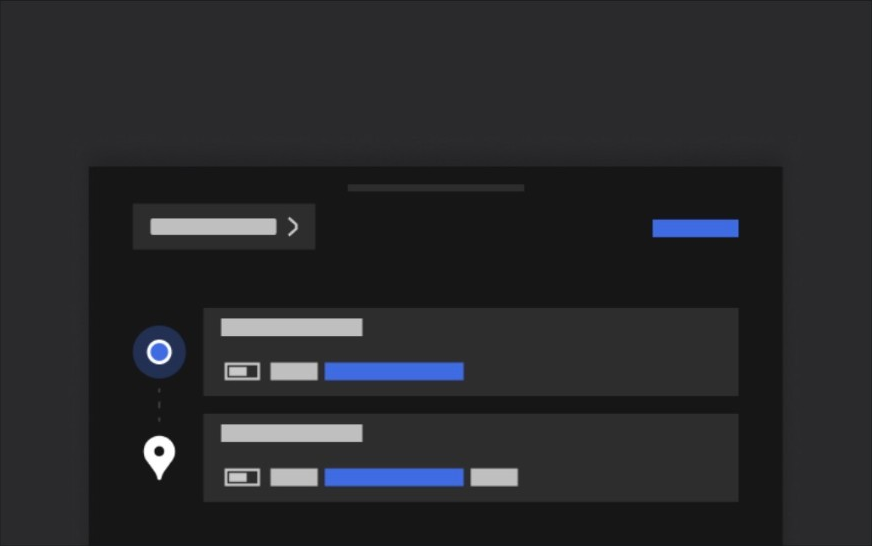
Set your desired Arrival Energy for any trip from your phone. Open the location tab in the Tesla Mobile App, enter your destination, and tap Set Arrival Energy. Requires Mobile App v4.58.0 or later.

Security Improvements
This update includes important security fixes and improvements.